The public store tab you explicitly choose, public product pages and the product evidence required to build the scan.

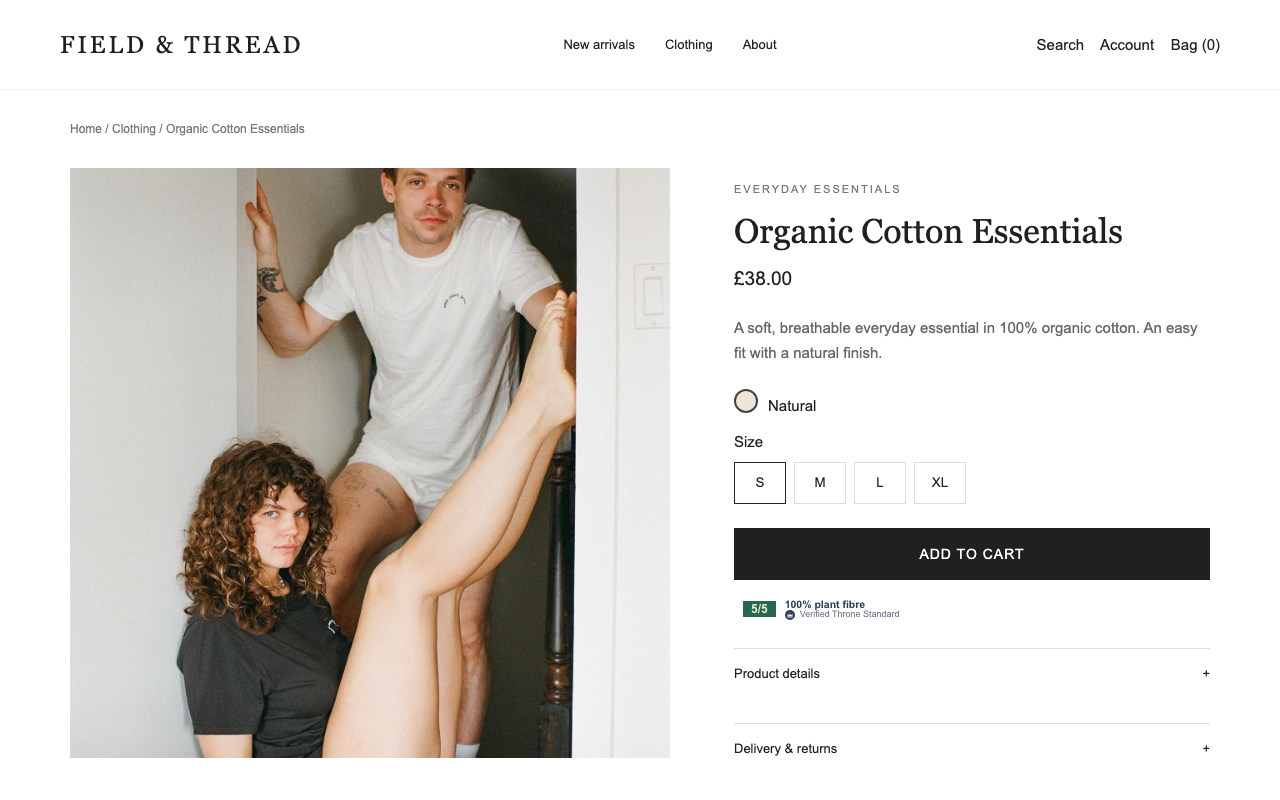
The coming WordPress plugin brings the same verified composition bar, score badge and paid comparisons to WooCommerce, Gutenberg, Elementor and classic PHP templates.
Show trustworthy product evidence while a shopper browses, with the score and source controlled by Hold The Throne.
Example storefronts captured in a browser using the actual widget renderer. Sample product data.
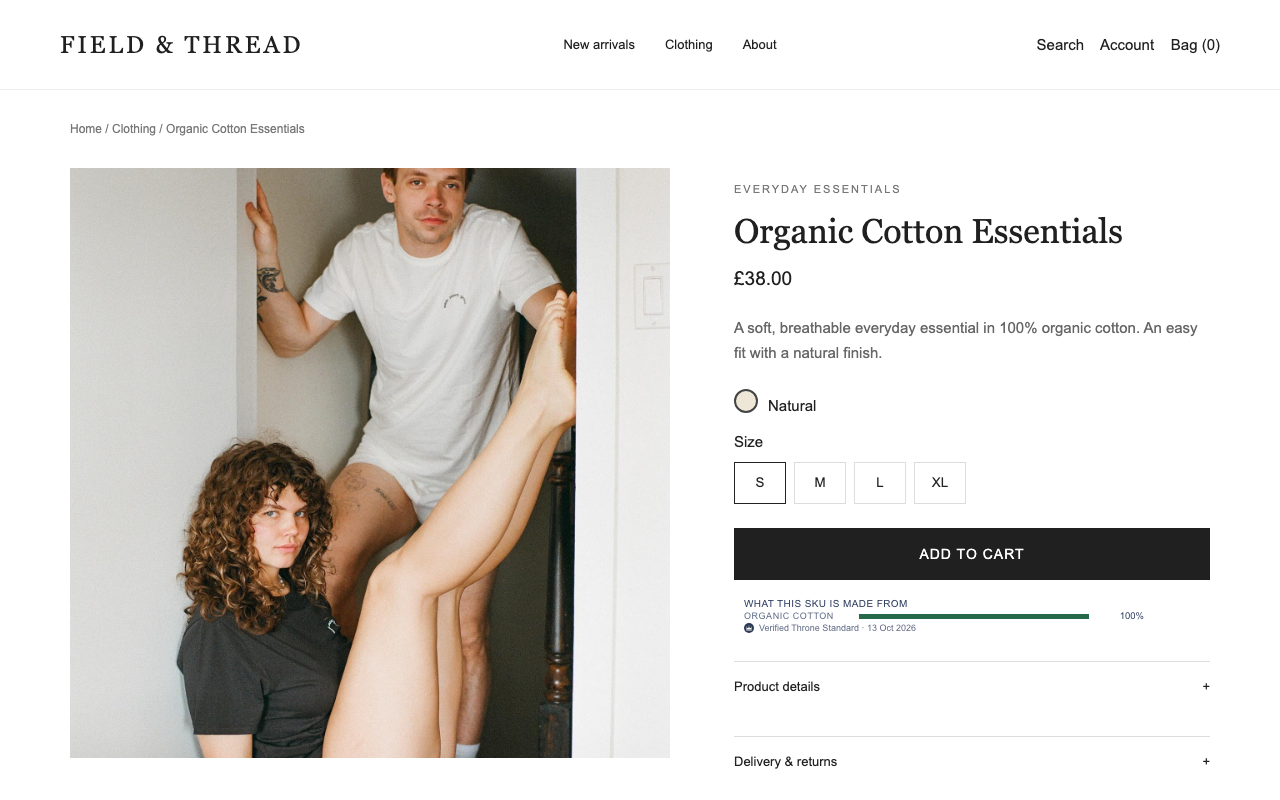
The plugin hook adds the exact SKU composition without editing the theme template.
Place the widget in a product template, landing page or comparison page using the builder already installed.
Developers can render the same server-controlled output in a child theme without duplicating scoring logic.
\n
The WooCommerce connection will use the same Hold The Throne account flow when the plugin launches: install, choose Connect account, sign in once and keep every catalogue result in Your scans.
If you already have an account, sign in. If you start on this website, create the free account now, then return to the installed tool and choose Connect account once.
A short-lived signed request identifies only this installation. Authentication completes on Hold The Throne and the WooCommerce plugin confirms the connection automatically.
Scan dates, every SKU checked, filters, gaps and approved results stay in the private account. Only approved evidence is published.
The Throne Standard WordPress plugin is coming soon. It is designed for WooCommerce, Elementor, Gutenberg and classic templates, with exact SKU matching and results controlled by the approved scan.
When the WooCommerce plugin launches, install it first and choose Connect account. Sign in or create a Hold The Throne account in the secure website tab; the plugin connection will then activate automatically.
No. Every discovered SKU is retained, but gift cards, unrelated product types and products without usable evidence are visibly filtered from the relevant score.
The included scanner uses the same account allowance for large and small catalogues. Technical limits can defer work. A partial result retains its exact coverage; only a reconciled census is complete, and draft publication gates still apply.
The current usable approved result loads immediately. If no complete result exists, start a Community Scan. The previous successful result remains authoritative until a newer usable result is approved.
The WordPress and WooCommerce integration is planned. A public installation link is not yet available here.
Ask HTT about availability and the supported setup for your store. We will provide the confirmed installation route when it is ready.
A result should identify the product or variant, show its material evidence and source, and explain when the information cannot support a score. A missing result must remain missing rather than become a favourable badge.
Material composition, catalogue coverage and a brand’s wider ethical performance answer different questions. Check which question a result can support.
Open a supported store, then launch Throne. A current approved result loads immediately when available; otherwise the extension offers a scan. Textile ratings are withheld while Clothing remains gated for accuracy.
See the Gymshark flowIt reads the public shop page you explicitly choose to scan and the public product evidence needed for the result.
It does not read passwords, private messages, payment details, unrelated tabs or browsing history to calculate a store result.